
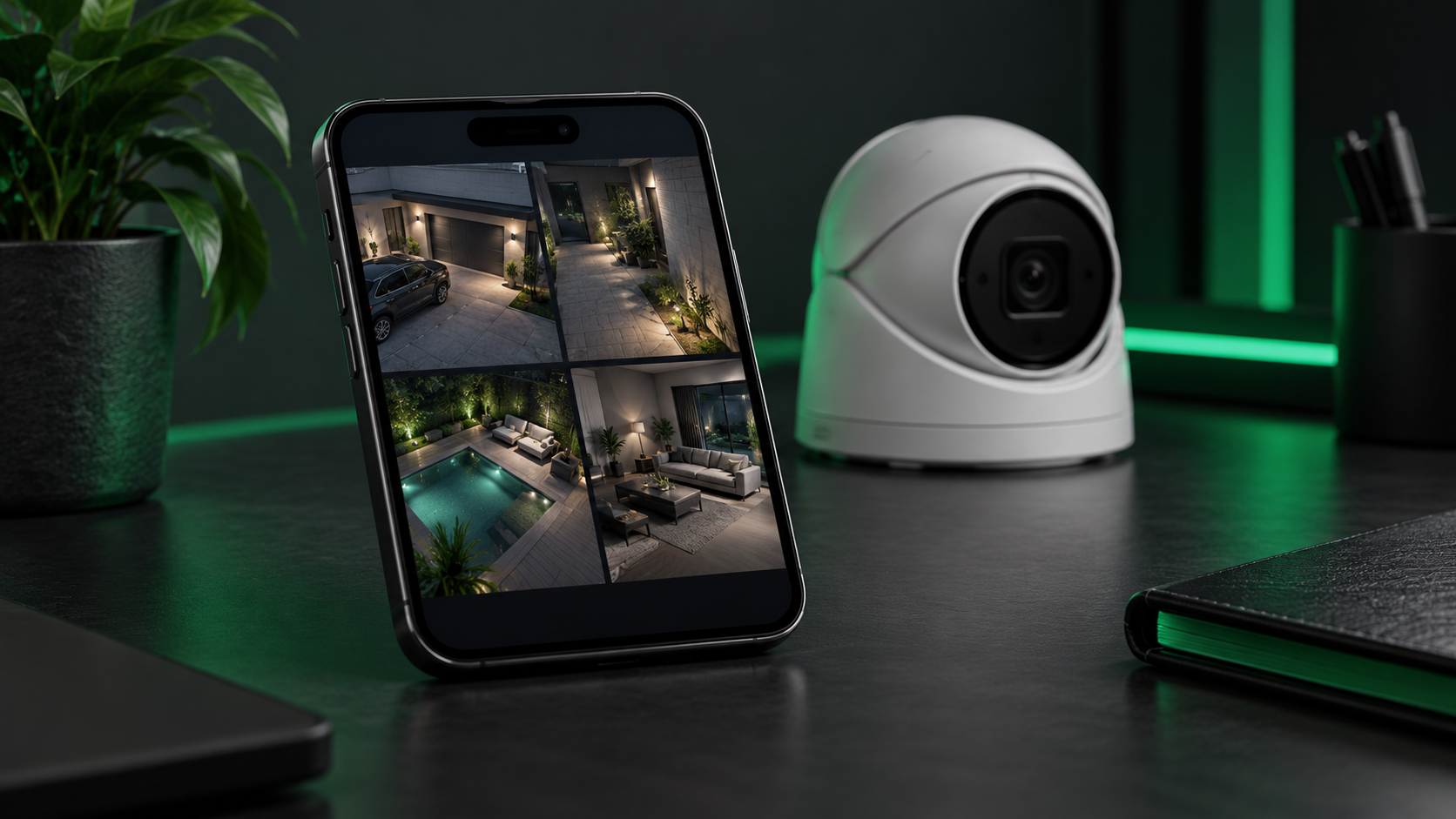
SoCatch appeared in Shield’s 2016 archive as a remote-viewing option for compatible DVRs. This revised guide explains how to approach that legacy setup without assuming that every recorder or current phone supports the same functions. [1]
Start with the recorder
Record the exact model and firmware version before choosing an app. Use Shield’s Apps page or contact support to confirm which client belongs to that equipment. A familiar app name alone does not establish compatibility.
Add and test the connection
For a supported setup, enter the recorder details or use its supported QR enrollment procedure. Confirm live view first, then test playback and any functions you need using an authorized account.
Check optional features
The original announcement listed notifications, remote backup, playback, two-way audio, PTZ/UTC control and up to 16 views. Treat those as historical feature descriptions: availability depends on the recorder, app version and configuration. Retired platform links are no longer presented as current download recommendations.
Sources and resources
[1] Shield Technology — SoCatch (2016-11-18). Historical article; revised for clarity and to distinguish legacy information from current guidance.