
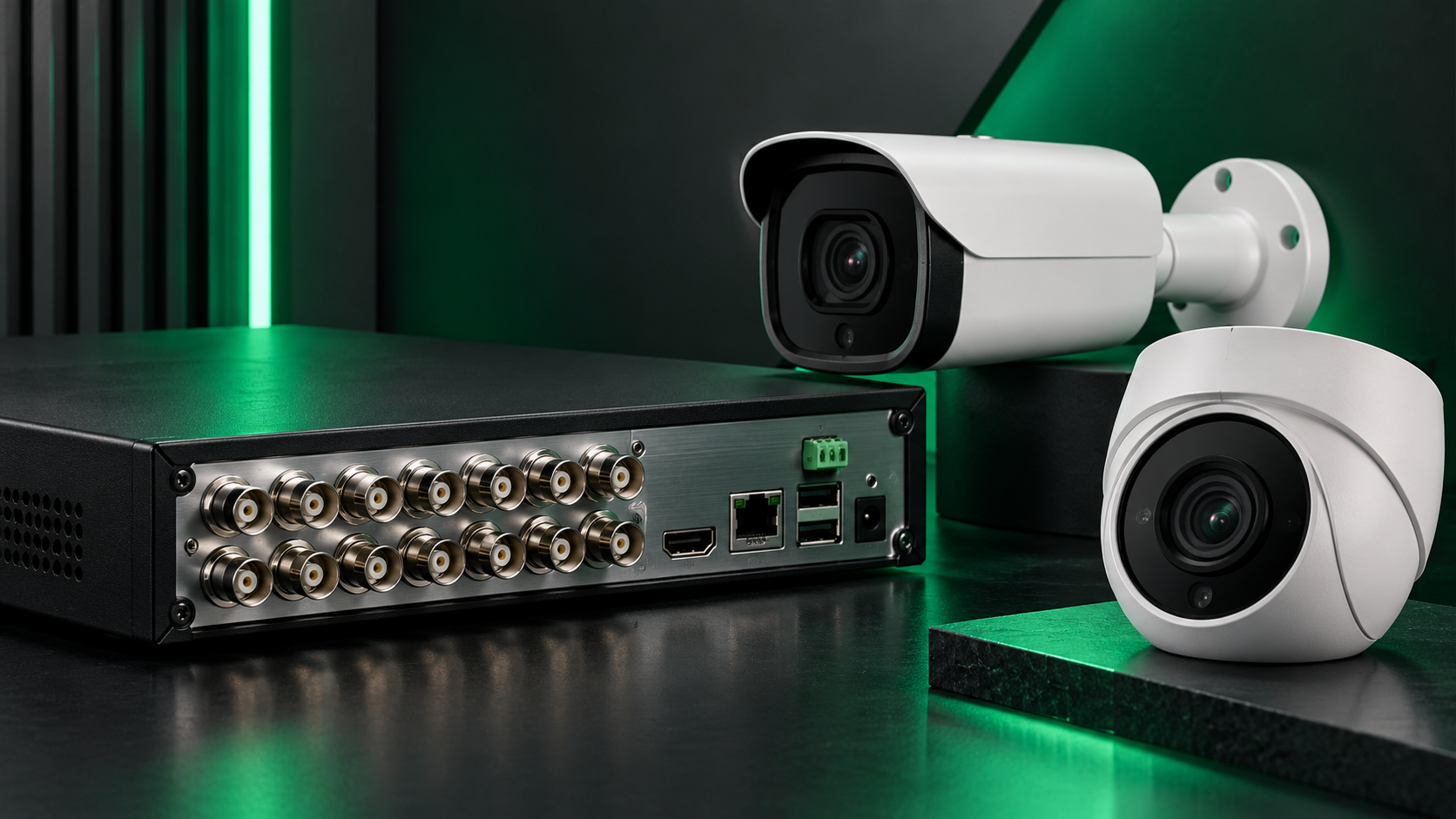
Shield’s 2017 compatibility guide described several legacy recorder families and channel-pairing rules. Those rules belong to the equipment covered by that guide; they should not be applied automatically to every current DVR or NVR. [1]
Identify the complete model
Record the camera and recorder model numbers, firmware and intended resolution. Similar names or a shared brand are not enough to establish compatibility.
Check channel restrictions
Some legacy configurations grouped adjacent channels, such as CH1/CH2 and CH3/CH4. Consult the exact recorder manual for permitted signal types, resolutions and channel modes before connecting a mixed system.
Test the functions you need
Verify live video, recording and playback, followed by any required audio or control functions. A picture on one channel is not a complete compatibility test. Ask support to confirm uncertain combinations before purchasing or changing equipment.
Sources and resources
[1] Shield Technology — Model Compatibility and Channel Pairing (2017-12-08). Historical article; revised for clarity and to distinguish legacy information from current guidance.